
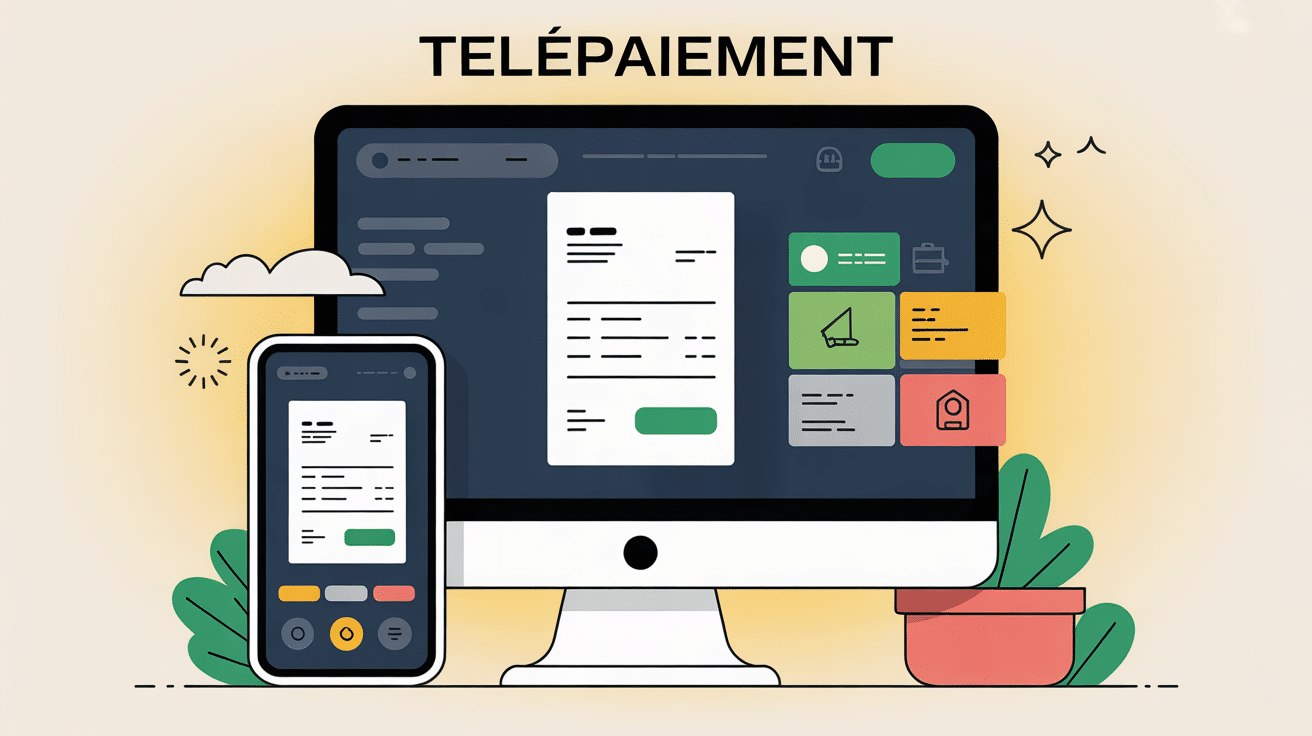
Simplify the management of your bills while preserving your peace of mind: this is the promise of the telepayment, an online payment method designed for security and efficiency. This service, open to all, allows to honor taxes, water or electricity bills at any time, on both computer and smartphone, without having to wait at the counter. Standards bank security applied are high, and each step has been designed to provide a clear and reassuring experience – including for first use. For example, a trainer noted that a novice user often feels more serene after seeing the simplicity of the process.
Telepayment: Pay your invoices online in a few clicks
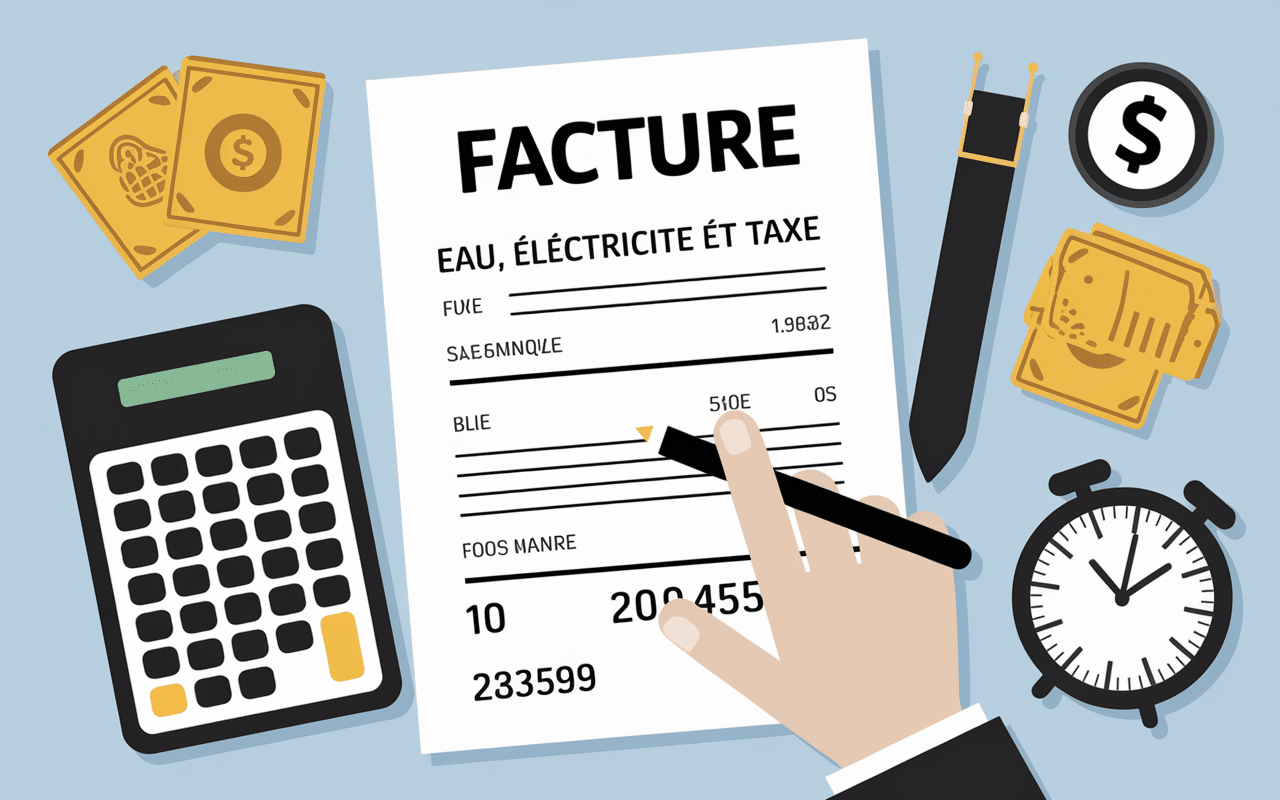
If you want to pay an invoice for water, electricity or a tax without moving around, the telepayment meets this expectation: it offers the possibility to pay your fees online, at any time, on platforms such as Lydec, Service-Public.fr or taxes, without any hidden fees.
It is now possible to:
- Choose the adapted portal depending on the nature of the invoice, e.g. « Lydec Telepayment » for water and electricity, or « impots.gouv.fr » for taxes.
- Simply enter your telepayment number, composed of 14 to 18 digits with a 2-digit key – this code appears on your payment notice.
- Confirm transaction almost instantaneously; proof is available for download just after.
Some people hesitate, fearing a possible mistake. However, everything is planned to guide you step by step, verify the authenticity and guarantee the confidentiality of the information exchanged. This service is offered without subscription or additional charge.
Telepayment: Definition and Benefits
Several million households have adopted telepayment to say goodbye to queues and postal deadlines. Specifically, how does it work – and why consider it if you haven't tried it yet?
A simple definition and varied uses
Telepayment is the payment of an invoice, a public service or a tax from the internet, from your computer or smartphone. Only the single telepayment number (usually 14 to 18 digits plus a 2-digit key) on your statement is required. This gives you access to uses such as:
- Payment of your water or electricity bills – notably via Lydec for Casablanca and certain Maghreb regions;
- Pay your local taxes or housing tax directly on impots.gouv.fr in France;
- Quickly close a parking ticket, school bill or TV charge.
Some admit that they tried their first payment at the late hour of Sunday night and surprise themselves that everything will be validated immediately. End the constraint of « good niche » Hey!
Why has telepayment been imposed?
There are three clear benefits in institutional resources –
- Considerable time saved: it is common that the payment takes less than two minutes once the reference entered.
- Demonstrated safetyEach official website uses the HTTPS protocol, displays the lock and applies systematic anti-fraud controls.
- Total freeon French public services – and almost all Maghreb operators – no cost to users.
Experts from the sector agree; There are more and more users who prefer to avoid cheques and vouchers, especially since the return on the speed gained in 2025.
Preparing and Making a Telepayment
In practice, telepayer requires less effort than one might expect. A professional in the banking sector recently recalled that even beginners find themselves there in a few minutes. Here's how to organize your steps for a smooth payment.
Step by step: from paper to final click
The procedure, which is widely tested, can be organized as follows:
- Preparation of references Find the payment notification (paper or email), the telepayment number and the 2-digit key. For most platforms, everything is displayed very clearly.
- Connection to the official portal related to the invoice in question: for example, Lydec TelePayment for water/electricity, Service-Public.fr for fines, or impots.gouv.fr for taxes.
- Correct entry of payment references and the amount to be paid – some sites pre-fill this value.
- Validation via a compatible credit card (Visa, Mastercard) 3D Secure confirmation (SMS or banking notification) occurs for most payments.
- Backup of official evidence (PDF, email or print – an essential point for your archives in case of dispute or verification).
Sometimes people hesitate to cross the course, however after first use, many admit that the procedure lasts only five minutes.
Main technical prerequisites for success
Before you start, remember these few points:
- A stable internet connection – a simple 4G is enough in most cases.
- A smartphone, tablet or computer quite recent to access the portal without worry.
- French or Moroccan bank card, 3D Secure enabled, or alternative option if the portal offers it.
- Number and key of document to be paid, within reach.
For the anecdote, some users usually keep their phone nearby during the process. The validation code sometimes arrives in seconds... or a little later if the device is lost.
Security and Reliability of Transactions
There are many who question the security of bank data or the reliability of accessible portals. These fears are entirely legitimate, and experience shows that a majority of newcomers ask these questions. This is what we must remember about reliability and confidentiality measures.
Demanding protocols at each stage
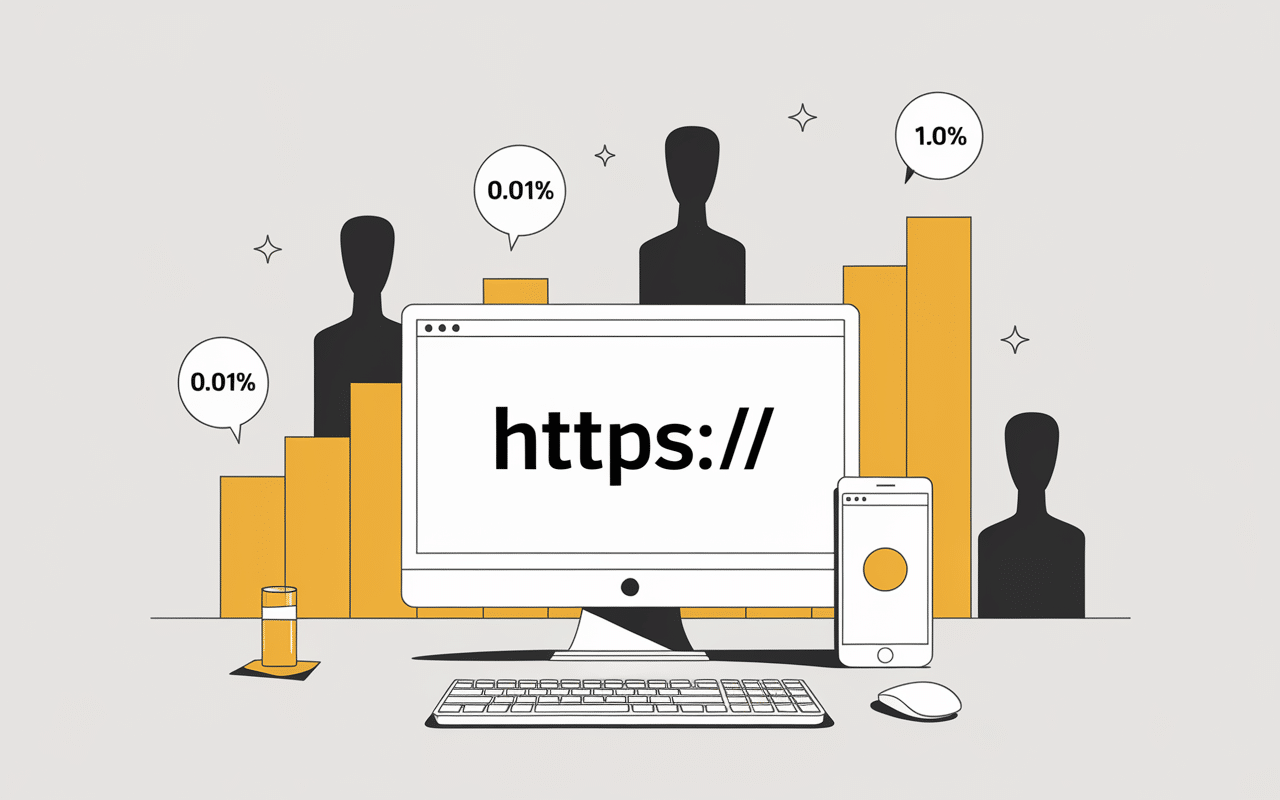
The telepayment platforms presented here all follow a strict protocol: connections are encrypted (https://), regularly controlled by ANSSI or their local equivalent, and your bank requires double confirmation for each transaction. Cybersecurity professionals note that less than 0,01 % of payments are contested or fraudulent, against more than 1 % with cheques sent by mail. This figure really makes you think about the safety of the device.
During the procedure, consider verifying that:
- The URL starts well with https:// and corresponds to the expected official portal;
- The safety padlock is visible next to the URL;
- A support number appears on the home page in case of doubt or blocking.
Sometimes we hear of duplicate errors or phishing attempts: most cases come from imitation of legitimate portals. But usually a suspicious URL or the absence of an alert key right away. It is best to contact the operator in case of doubt, as recommended by many agents in the sector.
Free of charge and regulatory compliance
One aspect too often ignored is that the French platforms and the vast majority of Maghreb public platforms ensure the free service for the user. No surcharge is applied to the payment – if the site asks for a fee or offers a hidden cost, it is prudent to stop the procedure, as it is probably an attempted fraud.
GDPR compliance and local privacy charters are scrupulously respected. For illustration, the Lydec portal displays all the information required and offers a contact in case of a data question (last item checked in October 2025).
FAQ and Current Issues
No dematerialized approach takes place without a few questions or small blockages: this is part of any new technology. Here are concrete answers to the most frequently raised situations – sometimes gleaned from workshops « first payments » a wide range of users.
Where to find and how to use the telepayment number?
This code is visible at the top or bottom of the payment notice (invoice, fine, tax). It consists of 14 to 18 digits, followed by a key (2 digits). On the chosen portal, simply enter it without space; attention, the slightest input error usually blocks the operation.
A point of vigilance: some documents separate the key on another line. Do not hesitate to observe carefully before copying (more than one regular user was surprised by this detail).
For optimal management of your public transactions, explore DFT Net: the account management platform Deposits of Funds to the Consolidated Revenue Fund, a reliable and secure tool.
To optimize your finances while using modern solutions such as telepayment, discover tips in our guide on how to earn money quickly on the internet: concrete and secure methods.
For those who have a foreign account less than EUR 10,000: bonds, exemptions and precautions, it is essential to know the rules to avoid any inconvenience during your online payments.
Is the payment really instant and free of charge?
Confirmation is almost immediate (except banking incident), and an accused is sent in relativament 99 % cases by email or to download to the customer area. No fees shall be added to the transaction in accordance with the legislation in force.
What to do in case of failure or refused code?
Many errors are resolved quickly – an incorrect payment reference, an outdated card or a 3D Secure check not validated on time are common causes. Here's how to react:
- Check the number and key indicated; A simple typo may suffice.
- Do a second try, and if the problem persists, contact the support available from the payment page.
- Change your credit card or wait a few minutes; A temporary block often resolves this.
If the problem is more serious (impossibility to connect, unrecognised card), it is advisable to go to the agency or ask for the help of a reliable third party. Official portals maintain telephone and online support, a detail appreciated by many homes.
Is it possible to pay without credit card or do everything on mobile?
The majority of platforms are designed for mobile use, with optimized operations and 3D Secure validations managed by bank application. Note: Lydec as impots.gouv.fr sometimes offer SEPA transfer or debit as alternatives – it is worth checking in the user space. For those without an eligible bank card, the option of an approved physical office or even a bank partner remains.
Small useful tip: enable banking notifications on the smartphone facilitates validation in two steps, three movements.
What evidence is available and how to keep it?
At the end of the process, a downloadable PDF receipt or an accused person is generated. It is preferable to archive carefully: it collects all legal data in case of complaint. On some portals, these proofs remain available in« payment space » personnel.
In practice, many financial managers recall that only the PDF is authentic in case of administrative litigation, even if an email summarizes the transaction.
Practical checklist: start, check, archive
Finally, a mini-checklist from the official recommendations and user returns:
- Ready references: number and key validated, from the notice received (email or paper).
- Secured portal connection « Official » only (https or known name).
- 3D Secure validation requested: never share code with suspected services.
- Justifying downloaded and classified in a secure space or on your dedicated messageri.
Last point to note: it remains advantageous to subscribe to the alerts of the chosen portal or to save your references in the personal space. This simplifies future operations and limits forgetfulness.
Express comparison of the main platforms (2025)
| Platform | Type of invoice | Processing time | Free | Mobile |
|---|---|---|---|---|
| Lydec TelePayment | Water / Electricity | Instant | Yes | Yes |
| impots.gouv.fr | Taxes | 24 to 48 hours | Yes | Yes |
| Service-Public.fr | Fines & Miscellaneous | Instant | Yes | Yes |
In case of doubt, do not hesitate to consult the FAQ of the selected portal: there are often tips adapted to each situation. And keep in mind that nothing prevents the experience of your relatives or colleagues who have already practiced telepayment from being a valuable help: it often happens that an informed word of mouth solves small questions better than any technical documentation.