
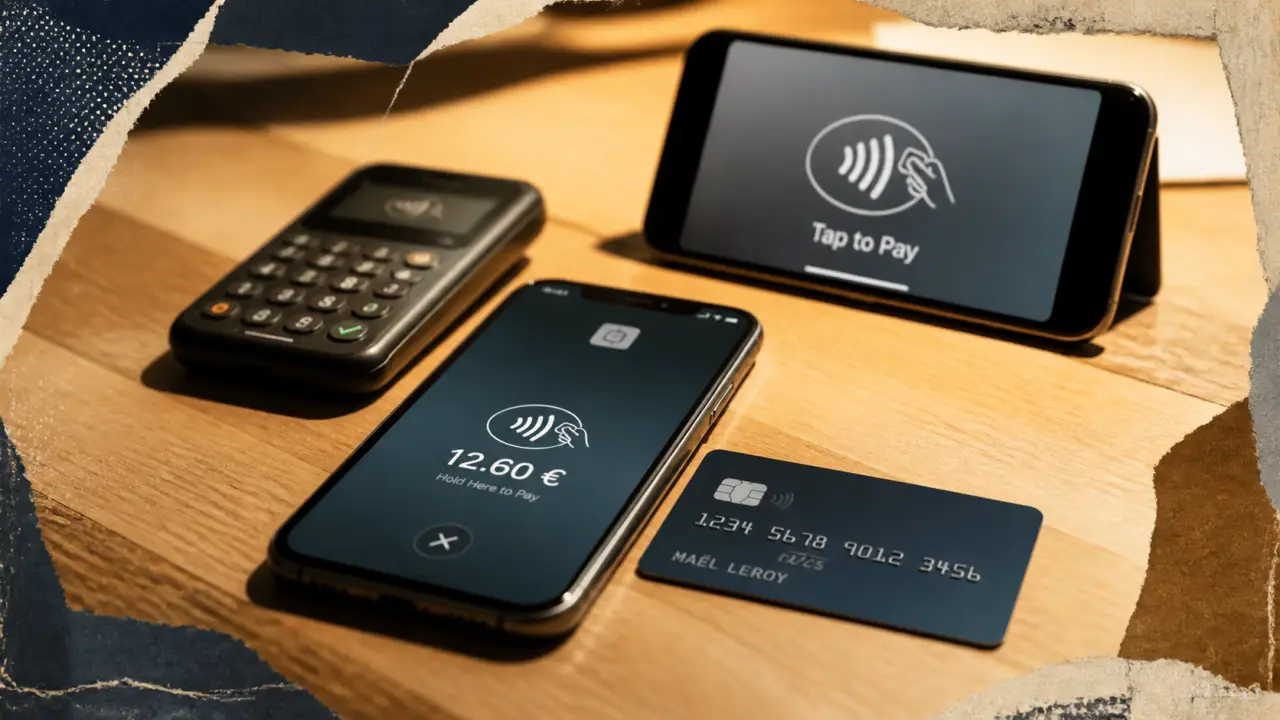
With Revolut, contactless is used to pay with a physical card, with Apple Pay or Google Pay from a smartphone, or to cash on iPhone via Tap to Pay for professionals. The main point is to know which medium to use, how to activate and what limits apply, as the rules change according to the chosen method.
The principle: a NFC transaction, several ways to use it
Revolut contactless payment relies on technology NFC, for Near Field Communication. The card or phone then exchanges information with the payment terminal at very short distance. The operation is quick, usually without code entry for small amounts, but it remains framed by limits and security checks.
Revolut Physical Card: the most classic gesture
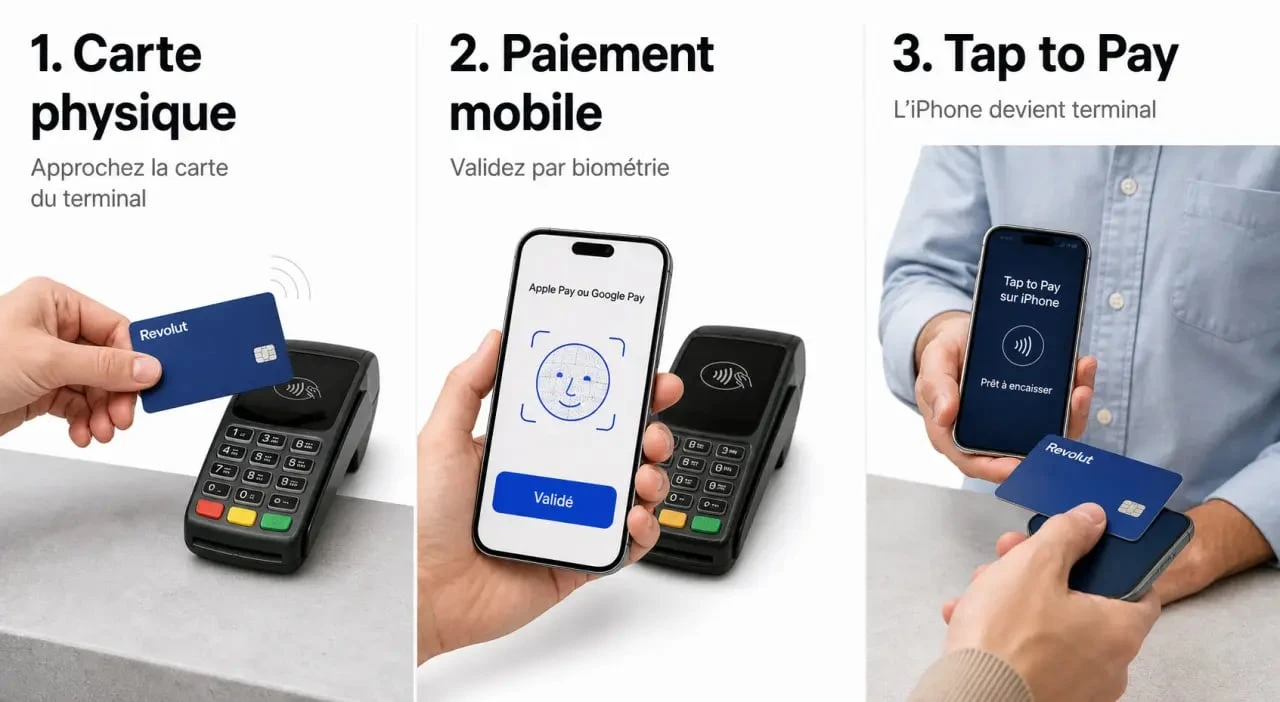
With a compatible Revolut card, just get close to the merchant's terminal. For the contactless to work properly, the card must be active and accepted by the terminal. In some cases, a PIN payment may be requested to confirm that you are the cardholder or to reset a limit. It is a simple operation, but it depends on the good condition of the map, terminal and active settings in the application.
Apple Pay and Google Pay: the phone replaces the card
Revolut can also be used with Apple Pay or Google Pay. Payment is then made from the smartphone or a compatible watch, with a biometric validation or unlocking code depending on the device. This option is convenient if you don't want to take out your card, if you use multiple Revolut cards, or if you prefer to pay with a device already secured by fingerprint, face or code.
Tap to Pay on iPhone: the cash option for pros
Tap to Pay on iPhone concerns users of Revolut Business. It allows you to accept contactless payments directly on a compatible iPhone, via the Revolut Business application, without any additional physical terminal. For an independent, a mobile trader or a craftsman, this is a way to turn the phone into a light cash point, useful in a market, in delivery or during a customer appointment. However, the device remains only for professional use and must be activated under the terms of the Business account.
Enable contactless payment Revolut without mistake
The activation depends on the medium used. The card, mobile wallet and Tap to Pay do not set up in the same place, even though the Revolut app centralizes card management, ceilings and certain restrictions.
For a Revolut card
In the Revolut application, open the card space, select the card and check that contactless payments are allowed. If the card is new, a first payment with PIN input may be required before the contactless one works. This step often links the physical use of the card to its holder and avoids blockages at the first time in store.
- Open the Revolut app.
- Access the relevant physical map.
- Check security and payment settings.
- Make a first payment with PIN code if requested.
For Apple Pay or Google Pay
The addition can usually be done from the Revolut app or from the Apple Pay or Google Pay portfolio. Once the card is added, the phone becomes the payment medium. The important point is to secure the device: robust code, facial recognition or fingerprint, and automatic locking activated. Without this basis, mobile payment loses some of its practical value.
For Tap to Pay on iPhone with Revolut Business
Professionals need to go through the Revolut Business app and follow the Tap to Pay activation path on iPhone. The interest is to limit the equipment to be transported, but it is necessary to check the compatibility of the iPhone, the terms of the Business account and the charges applied to the collection. If a promotional offer is displayed, for example at 55 €/month, it is necessary to read precisely what it includes: subscription, commissions, duration of offer and terms of termination. This check avoids bad surprises when cashing becomes regular.
Limits, fees and conditions: what to check before paying
Contactless payment is simple to use, but it is not unlimited in all situations. Ceilings may depend on support, country, trader, transaction category and security rules applied by Revolut or payment networks.
| Support | Main use | Limit or point of vigilance |
|---|---|---|
| Revolut physical map | Pay in store on contactless terminal | Limit of 150 € for non-contact payments with physical card, resetable via PIN code or application |
| Apple Pay / Google Pay | Pay with compatible phone or watch | No specific limit via Apple Pay or Google Pay, subject to other applicable controls |
| Tap to Pay on iPhone | Cashing customers with Revolut Business | Professional conditions, transaction fees and compatibility to be verified in the application |
| Specific uses | Boxed or sensitive transactions | Ceilings such as 10 000 £ per week for some traders or 25 000 £ 7 days for transfers and gambling can exist depending on the case |
For fees, Revolut card payment at a merchant is usually thought of as a simple daily use. On the other hand, costs may change for professionals who cash customers with Tap to Pay, or for certain types of transactions. The right reflex is to check transaction fees in the Revolit app or under the terms of the Business offer before using it intensively.
A payment ceiling acts as a security barrier. It remains discreet as long as transactions remain normal, then it triggers when several payments flow. If your contact is refused while the balance is sufficient, think first of this mechanism before imagining a card failure. This simple check often explains a refusal without wasting time.
Security: Why Contactless Revolut Stays Controllable
The contactless is fast, but it is not designed as a payment without protection. Revolut combines several levels of control: mobile application, card settings, ceilings, one-time PIN code requests and, for mobile payments, phone-specific security.
Useful settings in the application
The Revlout application allows you to keep your hand on the cards. You can check the status of a card, temporarily block its use if you can't find it, track transactions and adjust certain settings. This is a concrete advantage for everyday use: the user can react quickly, without waiting for a long exchange with an advisor.
PIN code, biometrics and limit reset
The limit of 150 € on physical card can be reset via a PIN payment or from the application. This operation prevents the contactless from chaining without strong authentication. On mobile, Apple Pay and Google Pay add a device validation layer: facial recognition, fingerprint or code, depending on the configuration chosen. Security is therefore based on both the card, the phone and the payment rules applied.
In case of lost card or suspicious payment
If you notice an unknown operation, immediately block the card in the application and contact Revolut support. It is also advisable to enable payment notifications: they allow to identify an abnormal transaction as soon as it appears. For professional users, this monitoring is even more important, as there may be more incoming and outgoing flows. Early warning limits lost time and facilitates response.
Which choice according to your use: individual, traveller or professional?
The best contactless payment method Revlout depends mainly on your situation. A person who pays for his or her shopping does not have the same needs as a consultant who cashes a down payment, or a traveller who wants to limit physical cards in his or her wallet.
- For daily use : the Revolut physical card remains simple and universal, provided you know the 150 limit € and keep the application accessible.
- To pay fast with more comfort Apple Pay or Google Pay are often more fluid, especially if you already use the biometrics of your phone.
- To travel light The mobile payment avoids handling the card permanently, but a backup solution should be provided if the phone is unloaded.
- To cash without terminal : Tap to Pay on iPhone with Revolut Business can reduce the necessary hardware and simplify one-time payments.
Faced with solutions such as SumUp or a classic banking terminal, Tap to Pay is distinguished by the absence of a dedicated terminal. In return, you must agree to depend on a compatible iPhone, the Revlout Business application and the current pricing conditions. For occasional or mobile activity, this is often relevant; for a point of sale with a large volume of cash, a precise comparison of the costs remains indispensable.
Before enabling all available means, choose a consistent configuration: physical card for backup, Apple Pay or Google Pay for current payments, and Tap to Pay only if you have a real need for professional cashing. Revolut contactless payment is effective when it remains legible: a main support, activated notifications, ceilings included and a regularly consulted application.