
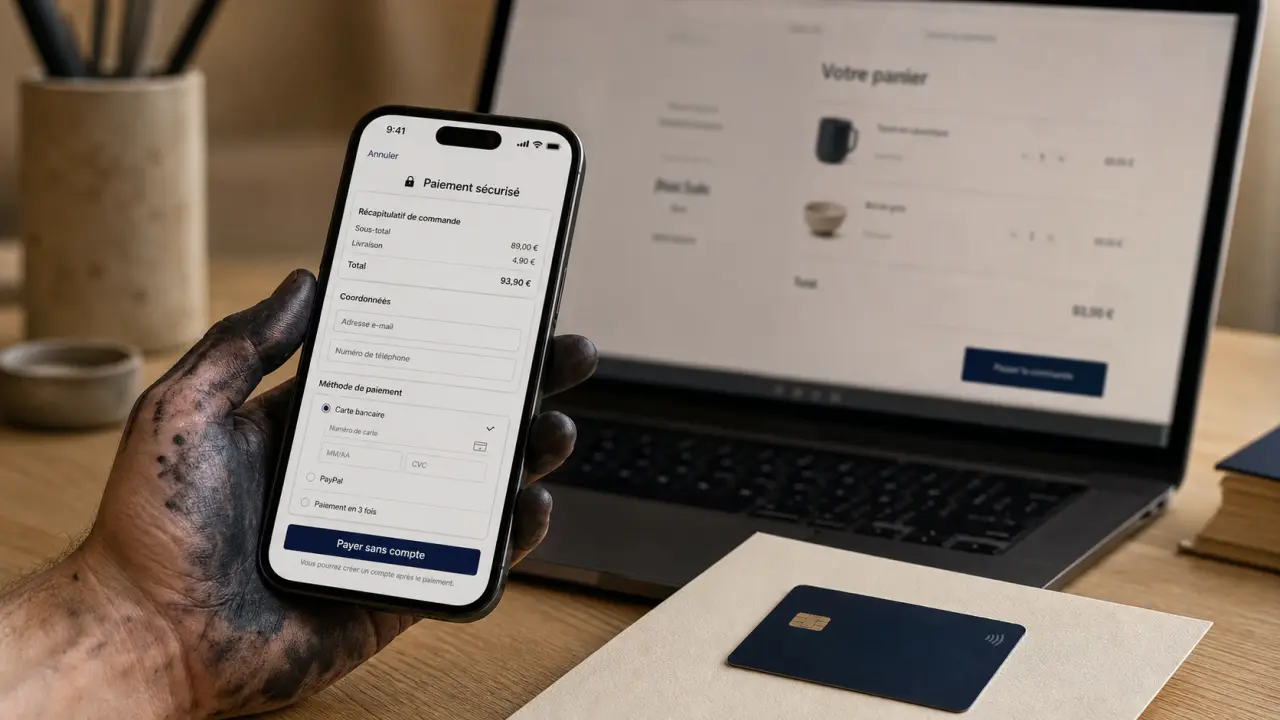

Yes, one PayPal payment without account is possible on many market sites. The principle is simple: you choose PayPal at the time of payment, then you pay by credit card on PayPal's secure interface, without creating ID or password. However, the option does not appear in all cases. It depends on the merchant, the country, the amount, the card used and certain security checks.
PayPal then acts as a technical intermediary between your card and the seller. You may not open an account, but you use its payment page to complete the purchase. Here is the method to follow, the points to check and the solutions if the option « without account » do not display.
What PayPal payment really allows without an account
Payout without PayPal account often corresponds to a invited payment, or guest checkout. You do not sign in to an existing PayPal account and do not create an account automatically. You simply provide information about your credit card, your billing address and, as appropriate, an email address to receive the confirmation.
A convenient solution to pay by card via PayPal
This option is useful for a one-time purchase, if you do not want to open a PayPal account or if you prefer to avoid giving your bank details directly to the merchant. The seller sees that the payment goes through PayPal, but the card is entered on the PayPal form, not on the shop's website.
In fact, the route looks like a classic card payment, with a significant difference: you are redirected to a PayPal page and then returned to the merchant site once the payment has been validated. The order is then treated as any other order paid online.
Prerequisites to check before starting
For this to work, the merchant website must offer PayPal as a payment method and allow the guest payment. You must also have a credit card compatible with the form displayed. Current cards are generally accepted, but the exact acceptance depends on the country, merchant and PayPal settings at the time of payment.
In practice, you must check three points: the site must display PayPal in payment, the payment option by card without connection must be visible on the PayPal page, and your card must be allowed for online payments. If your bank requests security validation, it must be possible to do so without blocking the transaction.
- The site must offer PayPal at the time of payment.
- The payment option without a connection must appear on the PayPal page.
- Your card must be authorized for online payments.
- The security validation of your bank must be possible if requested.
The steps to pay with PayPal without opening an account
The procedure may vary slightly depending on the site, but the route remains very close to one shop to another. The key point is not to be stopped by the buttons that invite you to sign in or create an account: you must find the payment option by card. On mobile, it can be lower on the page and therefore less visible at first glance.
Enable payment by credit card without PayPal account · Find out how to set up your PayPal account to allow your customers to pay for their purchases by credit card without needing a PayPal account.
From the basket to the PayPal page
After you have validated your cart, choose PayPal in the list of means of payment. The merchant website then redirects you to a PayPal page. On this page you can see a connection button, but also, depending on the case, a link or a button of the type « Pay by credit card », « Continue without consideration », « Pay with a card » or equivalent formulation.
If PayPal first offers to log in, look under the main form. The accountless option is often less advanced than the connection, but it may be lower on the page. On some screens, scroll before you see it clearly.
The credit card form
Once the option is selected, PayPal displays a secure form. You must enter the usual information: card number, expiry date, visual cryptogram, name, billing address and email. Check each field before validating, as a simple error in postal code or expiration date can cause a refusal.
The form looks like a classic payment, but it remains hosted by PayPal. It is this point that reassures many users: banking information is not transmitted directly to the merchant. Once the fields are filled, you can also refuse to create an account if PayPal offers it, often with the option « No, thanks. ».
- Select PayPal as the payment method on the merchant website.
- Wait for the redirection to the PayPal interface.
- Click on the payment option by card or payment without account.
- Fill out your payment information in the PayPal form.
- Refuse to create an account if PayPal offers it to you, for example with « No, thanks. ».
- Validate the payment and wait for the return to the merchant site.
Confirmation after validation
After validation, you usually receive an email confirmation, either from PayPal or from the merchant, sometimes both. Do not close the window too quickly after clicking on the final button. Wait until you are redirected to the store confirmation page. This step allows the merchant to properly record the payment and attach the transaction to your order.
If the redirect delay or if the confirmation page does not appear, check your mailbox right away. The presence of a confirmation email and a transaction number is the best way to determine whether the payment has been taken into account.
Why the accountless option can disappear
PayPal payment without an account is not an automatic fee displayed in all situations. If you only see the connection to a PayPal account, this does not necessarily mean that you have done a wrong step. Several factors can block or hide the guest payment.
Market, country or amount limits
Some vendors disable the guest payment in their settings. PayPal may also restrict the option depending on the country of the buyer, the country of the merchant, the level of risk of the transaction or the amount to be paid. In some cases, PayPal requires the creation or connection to an account to complete the transaction.
It may also happen that a card already associated with a PayPal account is recognized by the system. PayPal can then direct you to the existing account connection instead of letting you pay by guest. This behaviour varies according to the controls applied at the time of the transaction.
Frequent blockages and good reflexes
If payment is refused, start by checking card information, billing address and online payment ceiling with your bank. Try also from another browser or in classic browsing if you were in private mode, as some cookies or scripts necessary for redirection can be blocked.
An isolated refusal does not mean that the card is unusable. It can come from a security check, from a merchant parameter or from a session interruption. In this case, the simplest solution is often to leave the basket and restart the procedure from the merchant site, rather than from an already opened PayPal page.
- Reload the payment page from the merchant site, rather than from the PayPal page.
- Check that your bank has not blocked the transaction for security check.
- Try another card if you have one.
- Disable script blockers temporarily only to complete payment.
- Contact the merchant if the accountless option is never offered.
Security: what to check before entering your card
Paying by card via PayPal without an account can be reassuring, as your bank information is entered on the PayPal interface and not directly on the seller's website. This does not exempt a few simple checks before entering your data.
Look at the payment page as a set. The PayPal logo is not enough. Check the site address in the browser bar, the secure connection padlock, the exact amount, the currency, the merchant name and the absence of suspicious superimposed windows. This control avoids a classic error: rely on the general appearance of a page without checking the elements that prove you are in the right place.
The signals that must reassure you
The page must be loaded in a secure connection and you must find a consistent summary of your purchase. The amount displayed must correspond to the basket, including shipping costs if they were added before payment. After validation, keep the confirmation email and the transaction number if provided.
This confirmation serves as a useful trace in case of question about the order. If the merchant then asks you for a check, you have a payment ID and a dated email to follow the file more easily.
Signals that must stop you
Do not enter your card if the page appears distorted, if the browser address does not correspond to a legitimate PayPal page, if the amount has changed without explanation or if the merchant site asks you to send your bank details by email after a failure. In case of doubt, return to the merchant site by typing your own address in the browser, then resume payment from the shopping cart.
It is better to interrupt the entry for a few seconds than to validate a transaction on a suspicious page. This verification remains simple and limits the risk of error or misdirection.
Compare with other non-account payment methods
PayPal payment without an account is not the only way to pay for a purchase without creating an account with a payment service. Depending on the site, a classic bank card, a competing portfolio or an integrated payment solution can be simpler.
The right choice depends mainly on your priority: go fast, avoid multiplying interfaces or keep the card input on an already known environment. If your goal is only to complete an order quickly, payment by classic card can be more direct. If you prefer the merchant not to receive your bank details, PayPal without account remains interesting when available.
| Solution | Account required | Strong point | Main limit |
|---|---|---|---|
| PayPal without account | No, if invited payment is proposed | Map entered on PayPal interface | Option sometimes unavailable by merchant or transaction |
| Classic bank card | No | Fast and widespread | Data entered directly on the module chosen by the merchant |
| Skrill | Often yes | Known Alternative to Online Portfolios | Less systematically offered on day-to-day shops |
| Amazon Pay | Amazon account required | Use already saved information | Not suitable if you want to avoid any third party account |
If the accountless PayPal option is blocked, the most effective is often to choose another payment method offered by the store rather than multiply attempts on the same page. This avoids triggering new security checks or wasting time on an already interrupted session.
In summary, the correct strategy is to select PayPal, look for the card option, refuse to create an account if it is offered, and then wait for confirmation. If this option does not appear, the blocking usually comes from the dealer's settings, PayPal controls or card used, not from a forgotten step.