


Understanding the line 14 of the tax notice can help dispel a lot of anxiety in the face of the amount indicated by the tax administration. This figure reflects all the calculations made after source sampling, credits and discounts, and gives a true view of the real situation of each taxpayer whether he is an employee, parent or landlord. Some say that they are surprised every year by this line, while a simple attentive reading instantly illuminates the situation.
Line 14 of the tax notice – balance payable or clear refund
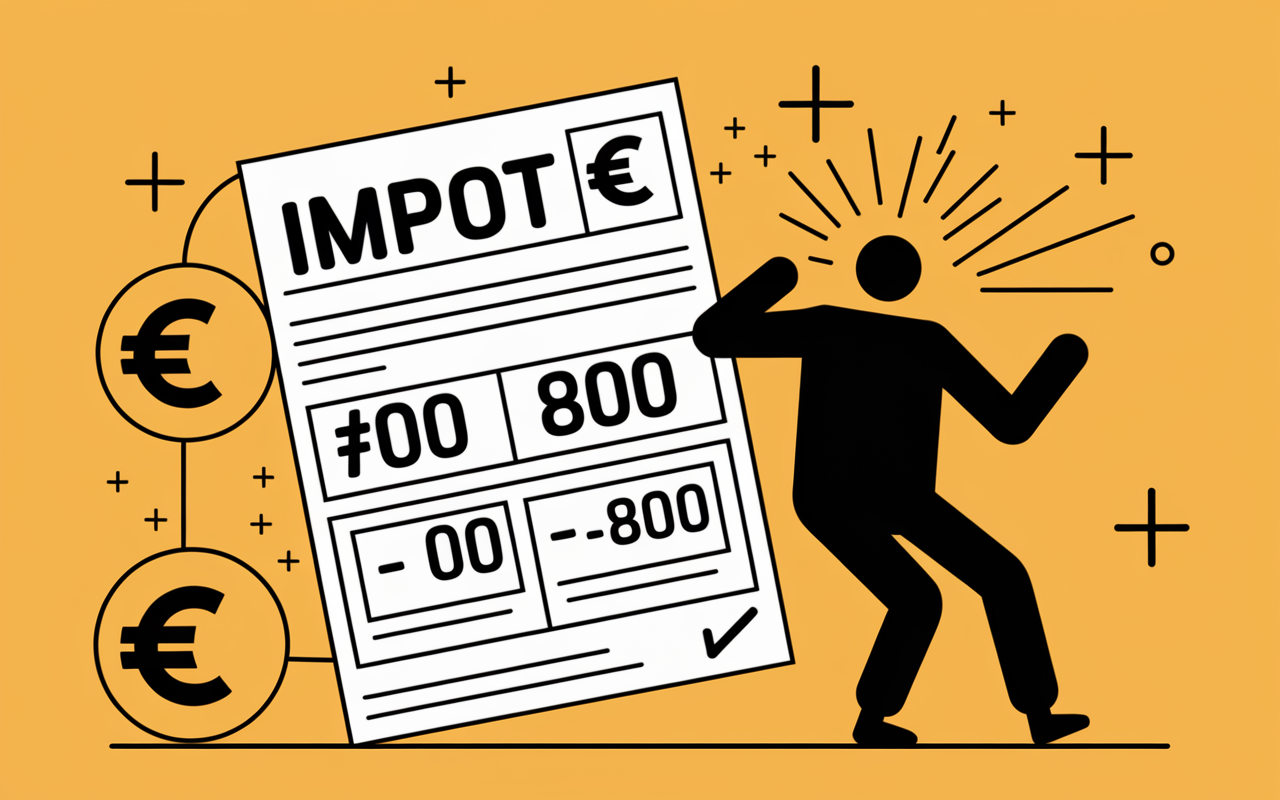
You have just received your tax notice and the famous line 14 immediately attracts attention. This key data indicates the precise amount that remains to be paid... or the amount to be repaid. Being confronted with an unexpected figure without knowing where it comes from can be confusing, but taking the time to read line 14 relatively often helps to remove doubts or identify an inconsistency. In general, this figure summarizes the final calculation after taking into account the source levy, credits and reductions.
Essential point: Line 14 must be considered from the outset on the tax notice (whether paper or digital). It is usually found under the heading « Income tax balance » or « Amount payable or payable ». Depending on the case, this figure can be zero, indicating the perfect balance, positive (there is still an amount to be paid) or negative (which triggers a refund). In practice, the period of receipt of notices runs from the end of July to mid-August, each year.
Summary of key points
- ✅ Line 14 shows the final balance to be paid or reimbursed after source levy, credits and reductions.
- ✅ This amount may be zero, positive (sum payable) or negative (repayment).
- ✅ The receipt of tax notices usually takes place from late July to mid-August.
What does line 14 fit in concrete terms?
Simply put, line 14 summarizes what actually remains to be paid after the annual return, after deduction of all that has already been taken at source (wages, pensions, property income) but including tax credits and reductions You benefit from it. When there has been an overpayment, this amount appears here next, it will be the transfer of the administration.
How do you explain that line 14 differs from gross tax? This is simply because the calculation follows several steps: gross tax according to the scale (from 0 to 45 per cent in 2026), application of reductions or deductions, and then taking into account amounts already deducted at source in the previous year. Several tax practitioners regularly note that this mechanism remains a source of confusion in specialized forums.
How is line 14 calculated? Focus on steps
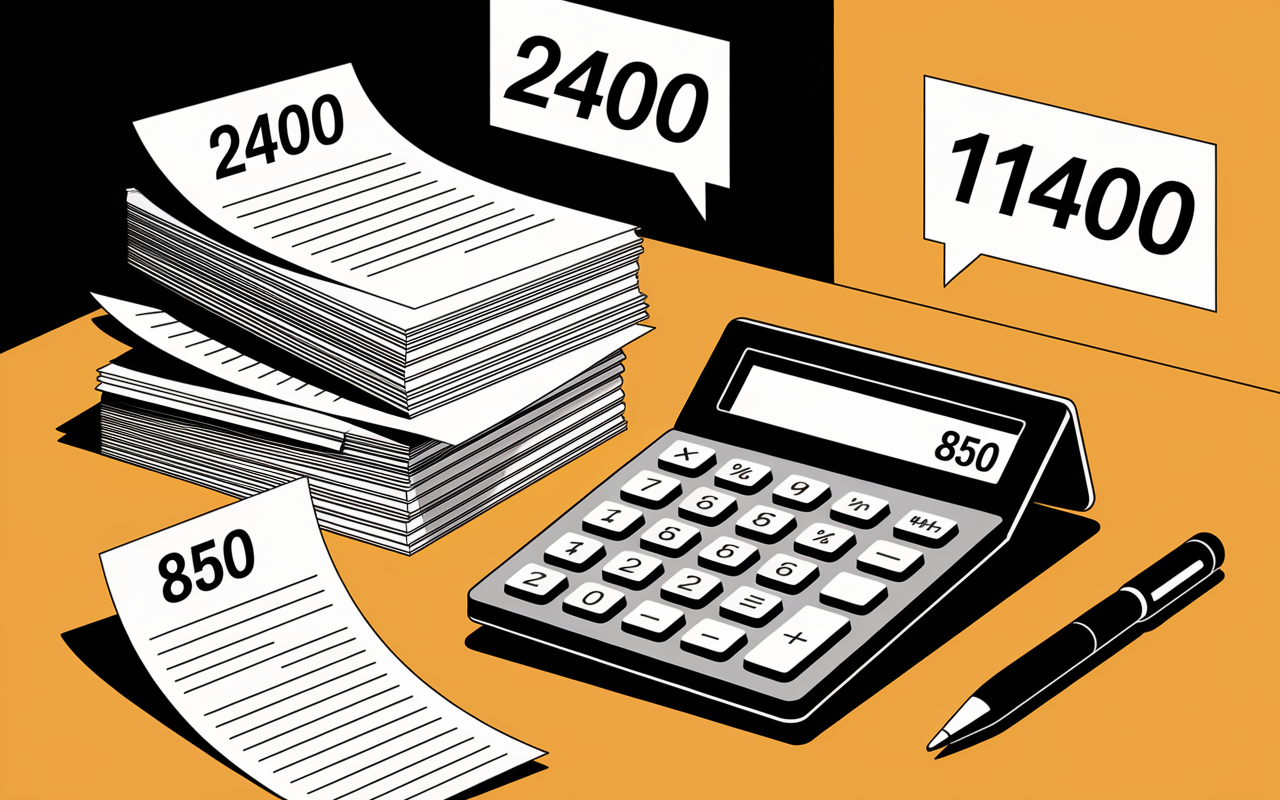
Knowing the precise origin of the amount entered on line 14–is lifting the vast majority of queries. Here is a summary diagram, accompanied by concrete examples.
The flow of tax calculation, from gross to net
These are the main steps, which it is useful to have in mind when you check your own opinion:
- Calculation of gross tax: This is the amount based on taxable income and the progressive scale (rate 2026: 0 %, 11 %, 30 %, 41 %, 45 %). By way of illustration, a couple with 50,000 € of income may be allocated a gross tax around 2 400 €.
- Taking into account reductions/credits: This is the stage where tax benefits apply (e.g. home employment, donations, Pinel or Girardin investment, some families get up to 11,400 € Reduction per 10,000 € investment). This leads to net tax.
- Deduction of source sampling: All amounts already deducted during the year (wages, pensions, etc.) are deducted here.
- Final balance: Result: line 14. If you have paid too much, for example in case of a tax credit, the line appears negative, and you will soon be refunded. If the balance remains positive, you will have to complete the payment.
Official simulators replicate this path, which allows many to anticipate line 14 in the spring.
Positive, zero or negative amount: what consequences?
| Cases | Interpretation |
|---|---|
| Line 14 = 0 € | No regularization is necessary, everything is perfectly settled. |
| Line 14 > 0 € | Amount to be paid before the deadline. Typical example: 235 € to be settled by mid-September. |
| Line 14 < 0 € | You will receive a refund from the tax administration (for example -500 € a tax credit). |
In practice, it is this line that sets if you have to adjust the shot or if the administration has to make a transfer.
Concrete examples: how line 14 varies according to your profile
Hard to interpret an isolated figure without any hindrance. Here are three typical cases—number of users found in one of them, according to tax advisors.
Case 1: employee with adjusted source levy, little or no tax credits
Marie, an employee, has already paid her tax over the water on her payroll, without resorting to tax credits. On receipt, line 14 indicates 40 €. This corresponds, quite classically, to a simple regularization (slight update of situation or scale). Little remark: as long as the difference is less than between 250 and 300 €, the payment is made in one time, otherwise it can be spread.
Case 2: Nanny-employed parent, high tax credit
Karim, father of two, benefits from a home employment tax credit: line 14 displays -800 €. The administration then makes the repayment, most often between the end of July and the beginning of September. There may be a slight delay, due in particular to a lack of evidence in the declaration.
Case 3: landlord, property income and investment Pinel
Sophie collects property income subject to 17.2% of social contributions. Thanks to the Pinel Act, it benefits from tax relief (about 2 000 € less). However, its line 14 remains positive (850 €) : the part already taken from the source did not cover everything. The particular space on impots.gouv.fr details the calculation in case of hesitation–many users reported that this service had allowed them to remove their doubts.
Visual comparison: evolution of line 14 according to three scenarios
| Profile | Line 14 (€) | Action required |
|---|---|---|
| Traditional employee | +40 | Single payment (regularisation) |
| Family, tax credit | -800 | Refund by transfer |
| Owner, land income | +850 | Partial payment according to schedule |
According to a trainer in heritage management, there are usually significant fluctuations (several hundred EUR) from one year to the next for line 14, depending on the new credits, the variation in revenues... or forget about a justification. And it's not always obvious to be there without a minimum of follow-up.
What if line 14 seems inconsistent or unexpected?
A question? A sudden climb or a forgotten discount? Regularly it is better to react quickly and without anxiety: correction is often simple to initiate, provided you react before the deadline.
Step-by-step verification
First read your opinion carefully: check that the amounts "gross tax", "source levy" and "credits or reductions" are correct. Often, this careful verification detects an unnoticed error. When line 14 does not meet your expectations, the most common situations are:
- a tax credit was omitted;
- an error in the declaration (incorrect amount or box not checked);
- a change in the situation not deferred;
- or sometimes automatic staggering.
In case of confirmed deviation, it is possible to file an amendment declaration via your online space until mid-December. A specialist interviewed on a forum noted that the approach has been largely simplified since 2019.
Good to know
I recommend that you quickly check the details of your opinion and, in the event of an error, file an amending statement before mid-December to avoid any concerns.
Formal contacts and appeals
If you have any doubts, contact your Personal Tax Service (SIP) either via secure mail or by phone. Several professionals recall that the official FAQ, the tax simulator and the guide "Corriger sa déclaration" put forward on impots.gouv.fr are among the most practical tools, often offering a considerable saving of time.
An anecdote is also circulating: many users often get a correction or an additional delay in one exchange via the email of the official website.
Access practical guides, simulators and FAQs to secure your line 14
Need custom lighting, simulation or official support point? Here are the resources that a majority of experienced users recommend (some, such as "Corrige Ton Tax", are regularly cited for their clarity in exchange groups):
Recommended resources for understanding and acting
- A dedicated simulator (Cleerly.fr) to estimate your balance in advance those who use it show significant time savings.
- Administration FAQ (service-public.fr), "Taxation Notice", where many specific cases are addressed.
- Downloadable guides and comparative tables of the slices (bar 2026), appreciated for their readability.
- Direct access to the SIP and the particular space impots.gouv.fr for reporting or file update.
Remember this: Line 14, if it focuses attention, is just one link in your tax journey. In order not to risk litigation or delay, it is best to use the simulator or consult the official help before any important steps are taken.
Quick FAQ Line 14 – Instant responses
- Does line 14 equal the final amount of tax to be paid? No, this is the balance calculated after all taxes and benefits.
- In case of negative line 14? This automatically results in a refund to your bank account, without any additional form to complete.
- Amount difficult to interpret? Check the details in "View my review", perform the correction online or contact the SIP.
- Is it possible to optimise the line 14 next year? Yes, by anticipating your défiscalisation approaches (PER, Pinel, Girardin...). A financial advisor will generally recommend taking stock of this at the beginning of the year.
To deepen, validate a correction or gain serenity on reading the lines, click on the simulator below, download the complete guide or ask an advisor your questions within 48 hours. This diversity of resources remains, according to several users, the key to hassle-free tax management.